fg800 App Download for Android: File, Setup and Fixes
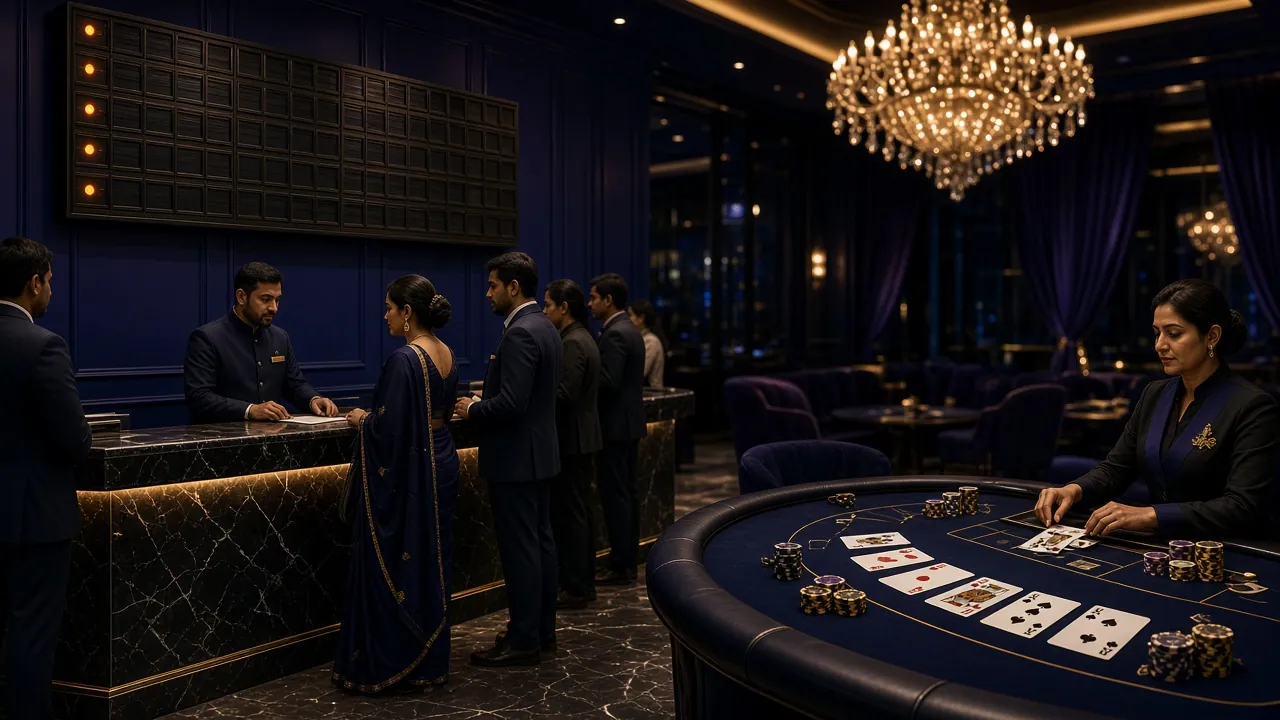
The fg800 app carries the whole lobby in your pocket: slots, live tables, crash rounds and sports markets, all priced in taka. Pull the APK from this page, install it in a few minutes, and sign in with the account you already use on the website.
On a laptop? Scan the QR code in the download section further down to send the same file to your phone. Downloading straight from a phone browser works just as well. 18+ only · Play Responsibly.
Safety check: what the APK may and may not touch
A file that arrives outside Google Play deserves a second look. These four points cover the permissions the fg800 app asks for, what it ignores, and how to spot a copy that did not come from us.
File access stays inside the installer
Android asks for storage permission so the phone can write the 45 MB package and cache game artwork. The fg800 app does not open your photo gallery, your documents or other apps' folders. You can revoke storage permission afterwards and the lobby still loads.
Signature, source and size checks
Every build is signed by fg800 and served from this site at /download/fg800.apk. Before you tap install, compare what you see: the file name fg800.apk and a size close to 45 MB. A package with a different name or a much smaller size is not ours.
No SMS, contacts or camera access
Your one-time code arrives by SMS, but the app never reads your messages. You type the code yourself. There is no request for contacts, call logs or the camera, and the app keeps running normally if you deny any permission it does ask for.
Updates arrive as a fresh build
There is no store account in the middle, so updates come as a new APK. When the version number moves past 2.9.6, download again and install over the old copy. Your balance, bet history and saved login stay in place during an in-place update.
Six jobs the fg800 app handles better than a browser
The mobile site is fine for a quick bet on a friend's phone. The installed app is what most regulars use, because these six things stop being friction.
Taka deposits without leaving the app
bKash, Nagad, Rocket and Upay all sit behind one button. Pick the wallet, confirm the amount, and the balance usually lands in about 6 minutes. The smallest deposit the app accepts is ৳450.
Cricket and football on one screen
Sports markets sit beside the casino instead of inside a separate tab. You can follow a cricket session, take a price, then switch to a slot round without a page reload or a second login.
Crash rounds from ৳1
Crash Bonus starts at ৳1 a round, so you can test the cash-out button with very small money. Rounds run on Evolution's server and the multiplier trail stays visible while you raise or drop your stake.
A lobby of 1,600 games
Slots from Pragmatic Play, Playtech, Red Tiger and JDB, plus Teen Patti tables from Evolution. Filter by provider or by game type, and read the RTP figure on each tile before you stake anything.
Withdrawals tracked in one place
Requests start at ৳800 and usually clear in about 12 minutes. The app shows the request state, the KYC queue and the daily cap that belongs to your tier, so you are not guessing whether the money has moved.
Artwork cached for weak signals
Game covers load once and stay on the phone, so a patchy 3G connection on a moving bus still opens the lobby. If a round drops mid-spin, reopen the app and the result appears in your history.
Two tiles from the lobby you land in
Slots and crash rounds take most of the taps, so the app pins them near the top of the lobby. Everything else sits behind filters: live tables, fishing, lottery and card games from seven providers.
See the full game list
The fg800 app file: version, size and system requirements
One file, one version, no store account in between. Everything below matches the build that is live right now, so you can compare it with what your phone reports after installing.
- Runs on Android 7.0 and newer, phones and tablets alike.
- A 45 MB download that needs no Play Store account.
- Signed package served from fg800.vip, not a file-sharing link.
- The same wallet and the same login as the website.
Scan with your phone camera to send fg800.apk straight to the device.
| Item | Details |
|---|---|
| Version | 2.9.6 |
| File name | fg800.apk |
| File size | 45 MB |
| Minimum Android | 7.0 |
| Last updated | 10 November 2026 |
| Price | Free |
| Language | English, Bangla |
App or mobile site: pick the one that fits your day
Both routes reach the same account, the same balance and the same 1,600 games. The difference is how many taps and how much data each one costs you.
| What changes | fg800 app | Mobile browser |
|---|---|---|
| Getting started | One-time APK install, 45 MB | Nothing to install, just the address |
| Updates | You download a new build when the version changes | Automatic, every time the page loads |
| Data use | Covers and sound stay cached after the first load | Reloads artwork on most visits |
| Cricket markets | One tap from the lobby | Two taps plus a page refresh |
| Deposits | bKash, Nagad, Rocket and Upay inside the app | Same wallets through a browser redirect |
| Withdrawal alerts | Notification when a request clears | You check the wallet page yourself |
| Storage | About 45 MB plus cache | Nothing beyond normal browser cache |
| Best for | Daily play on your own phone | Quick bets on a shared or borrowed phone |
Whichever you choose, the account is the same one you open through the login page.
Install the fg800 app on Android in five moves
Allow the browser to install, pull the file, open it, confirm, then sign in. The whole run takes about three minutes on Wi-Fi and a little longer on mobile data.
-
Turn on installs from unknown sources
Open Settings, then Apps, then Special app access, then Install unknown apps. Pick the browser or file manager you will use and switch Allow on. On Android 7 the same switch sits under Security as Unknown sources.
-
Download the fg800 APK
Tap the Download APK button on this page and keep the screen awake for the 45 MB transfer. On a slow connection it can take a couple of minutes. Wait until the notification says the download is complete.
-
Open the package you just saved
Tap the finished download in your notification shade, or open Files, then Downloads, then fg800.apk. If the phone offers to open the file in a browser, choose Package installer instead so Android treats it as an app.
-
Confirm, install and open
Tap Install and let the unpacking bar finish. Play Protect may warn you about an unknown developer, which is normal for a side-loaded build. Choose Install anyway, then Open to launch the lobby for the first time.
-
Sign in and fund the account
Log in with the details you already use on the site, or create an account first. A deposit of ৳450 or more unlocks the first-deposit bonus. Withdrawals start at ৳800 once your KYC check is cleared.
iPhone and iPad: add fg800 to the home screen
iOS does not install APK files, so there is no download for Apple devices. The short version is the same lobby through Safari, pinned to your home screen so it opens full screen without the address bar.
- Open fg800.vip in Safari. Chrome on iOS cannot add a shortcut the same way.
- Tap the Share button in the toolbar, then scroll to Add to Home Screen.
- Name the shortcut fg800 and tap Add. The icon appears with your other apps.
- Open it, log in once, and the session stays signed in on that device.
Install errors, and the fix that usually works
Almost every failed install on Android comes down to one of five things. Match the message on your screen to the row below before you download the file a third time.
| What you see | Why it happens | What to do |
|---|---|---|
| "App not installed" | An older build signed with a different key is still on the phone, or the package was altered after download. | Uninstall the existing fg800 app, restart the phone, then install the file you just saved. If two copies appear in your app drawer, remove both before trying again. |
| Parse error, or the file will not open | The 45 MB transfer broke halfway on a weak connection, so Android gets an incomplete package. | Delete the partial file from Files, then Downloads. Check for at least 200 MB of free space and download again on Wi-Fi. Anything well under 45 MB is incomplete. |
| Install button is greyed out | Unknown-source permission is off for the app you used to open the file, which is usually Files rather than Chrome. | Go to Settings, Apps, Special app access, Install unknown apps and allow the specific app you are opening the package from. The toggle works per app, not globally. |
| Play Protect calls the app harmful | A side-loaded package has no Play Store history, so Google's scanner treats a new build as unknown by default. | Tap More details, then Install anyway, but only when the file name reads fg800.apk and the size is near 45 MB. A different name means the file did not come from here. |
| App opens, then closes at once | Android is older than 7.0, or the phone has no room left for the first-load cache. | Check Settings, About phone for the Android version. Below 7.0 the app cannot run at all. On a supported phone, clear a little storage and open it again. |
Still stuck? 24/7 Live Chat can check the build against your device model. Payment questions belong on the deposit guide.
What players ask before they install fg800
Short answers to the questions that come up most often in chat, in the order they usually arrive.